Please Update Email and Text Message Preferences
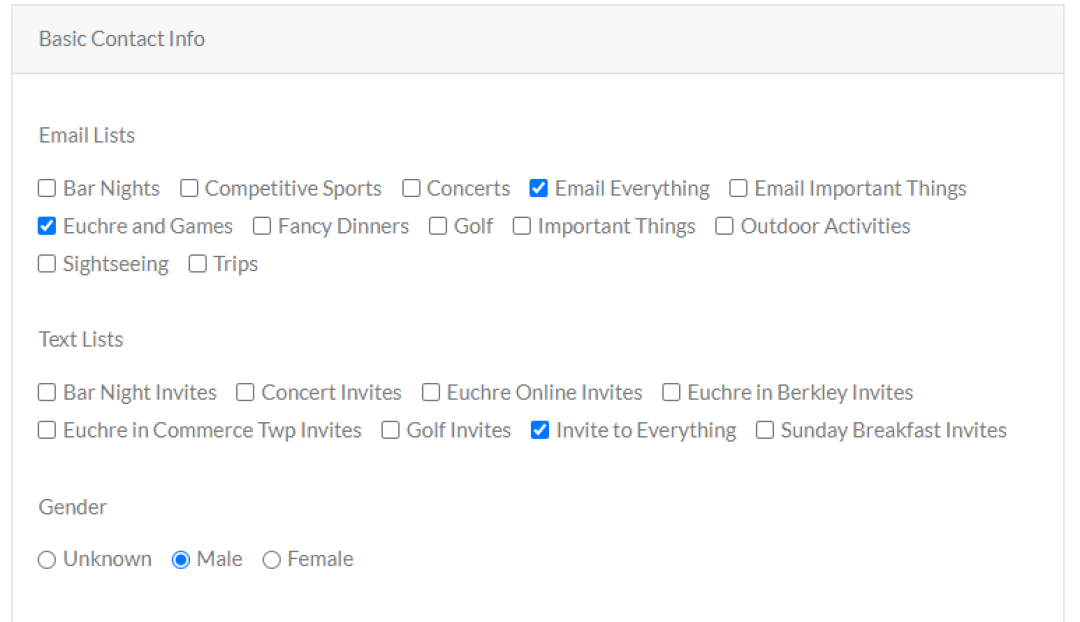
We do not want to send you unwanted emails or text messages. We also don't want you to be left out. We added a feature that allows you to select the email and text lists that you want information on.
Please update your preferences. You can do so by following the links in the footer of emails. You can also text “TL” to our number 248-975-7512 to see options. You can also go to the dashboard on the website.
The text lists are primarily for invites to events. We typically send out emails first. If you respond to the email, you will not get another invite via email or text for that event. Text invites are typically sent out the day of the event. The preferences do not apply to events you attend. A lot of our events use text messaging for scores and other directions.